
RAMA
Desktop drone instrument
Turn a short recording into a slowly moving drone. Choose a loop, slow it down and let it play through three layers of reverb. Listen live or export the result as a WAV.
RAMA 1.1 for Mac
Apple Silicon · macOS 13 Ventura or later
One person can activate RAMA on up to two compatible Macs. Compatible 1.x updates are included.
Buy RAMA · AU$24.99One-time purchase.
Already own RAMA? Update here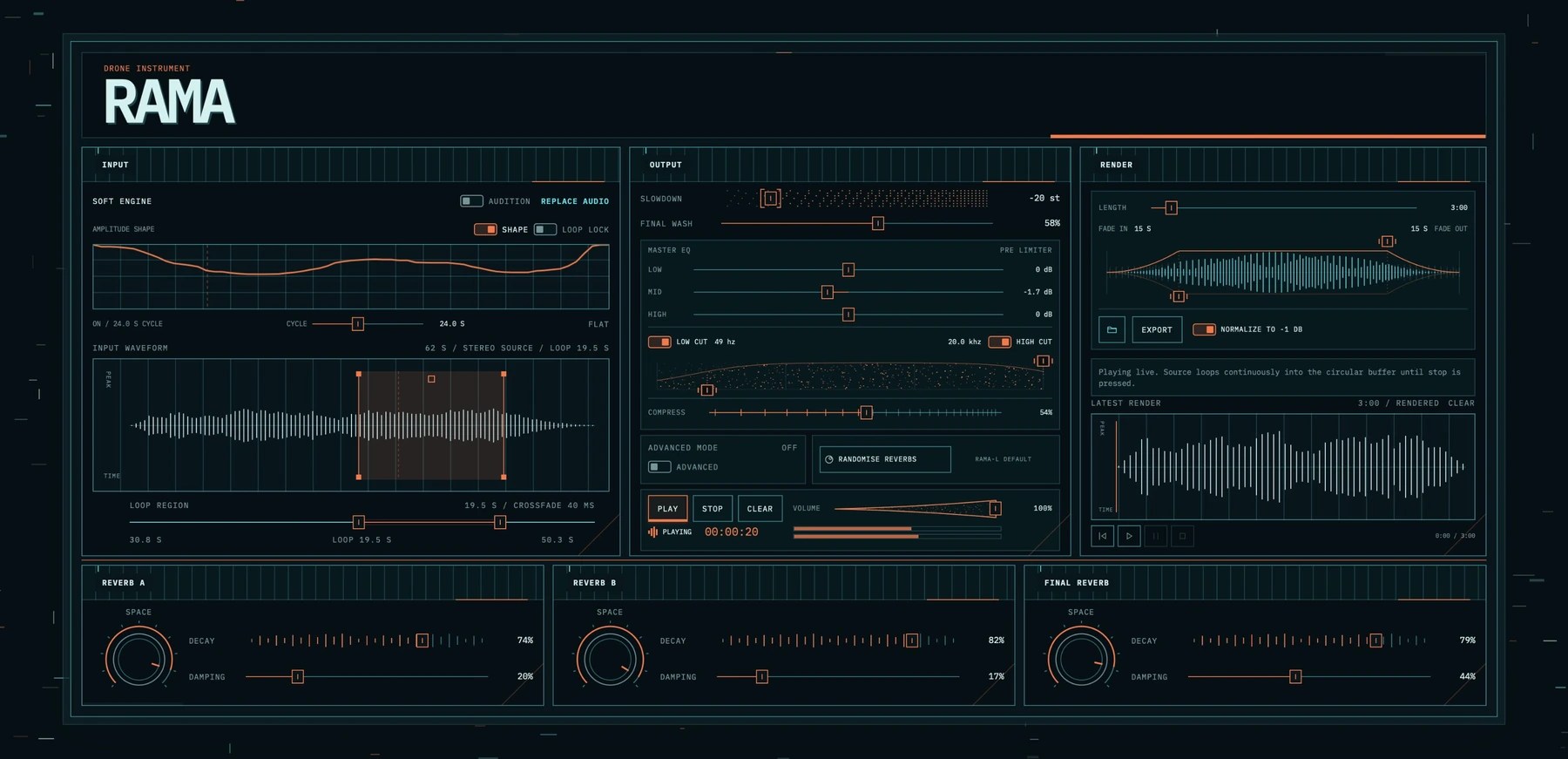
Demo
You can leave it playing or export a WAV for music, installations or sound design.
Watch three drone experiments on YouTubeNew in RAMA 1.1
Draw a repeating volume shape above the waveform. Loop Lock ties the shape to your loop, or you can set its own cycle. The two playheads show how the recording and the curve move together. Shape acts before Final Reverb so its tail can continue to ring.
Switch between Day, Night and Nautical, preview a recording before loading it and watch the stereo output meter as you play.
RAMA 1.1 is a free update for existing owners. Sign in to Lemon Squeezy My Orders with the email you used to buy RAMA, then open your RAMA order to download the update. You can also use your original purchase email. How to update RAMA.
At a glance
- Local processing
- Audio processing happens on your computer. RAMA does not upload your recordings.
- Live or rendered
- Leave a drone playing, change it while you listen, or export a WAV from 30 seconds to 45 minutes.
- Source files
- Your original stays as it is. Recent items and
.ramaprojects keep references, never private audio copies.
How it works
- Load
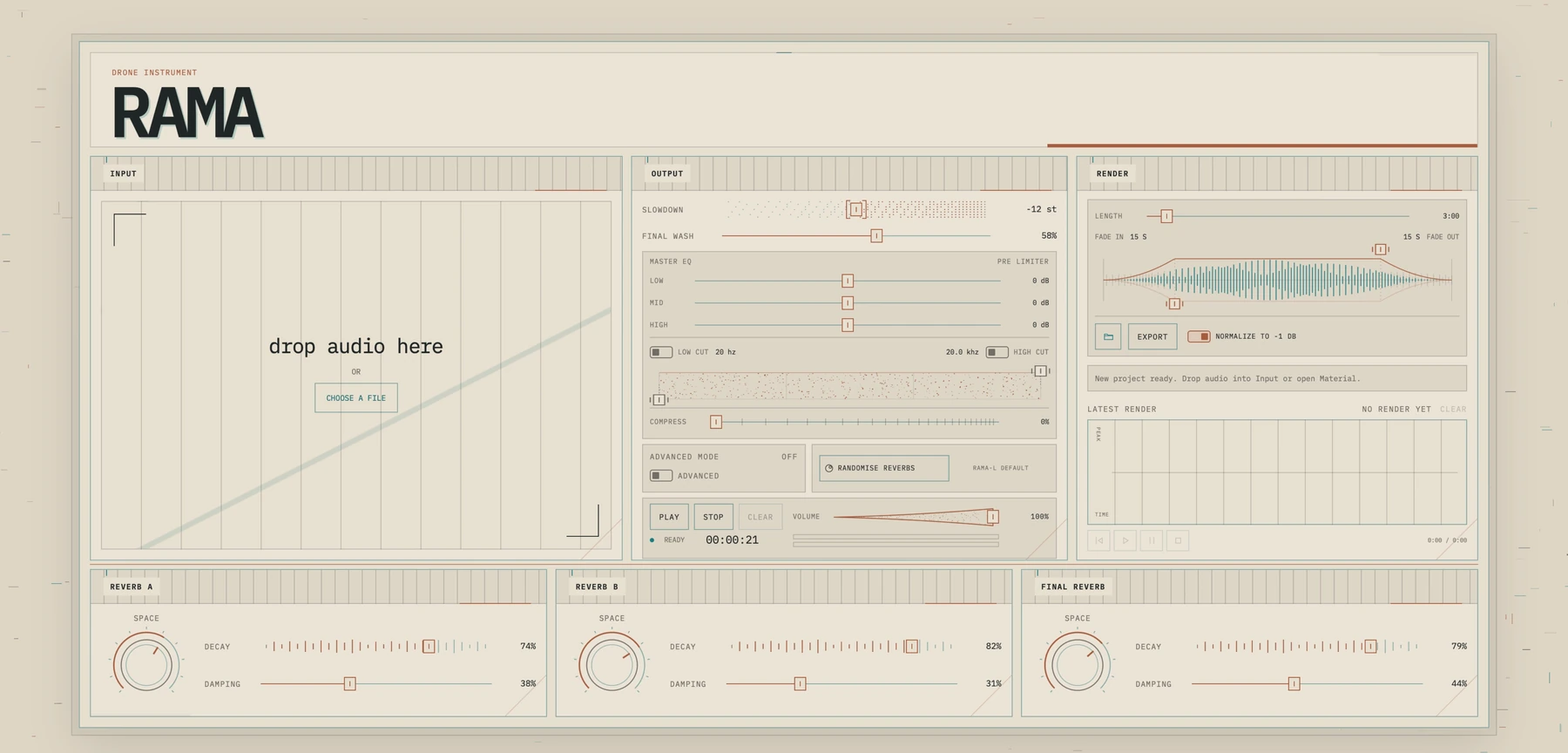
- Drop in your own recording or begin with one of the 46 supplied WAV Bundled Materials.
- Loop
- Choose a region on the waveform and listen to the source loop by itself.
- Shape
- Set the slowdown, final wash, reverbs, master EQ, and optional filter cuts while the drone plays.
- Render
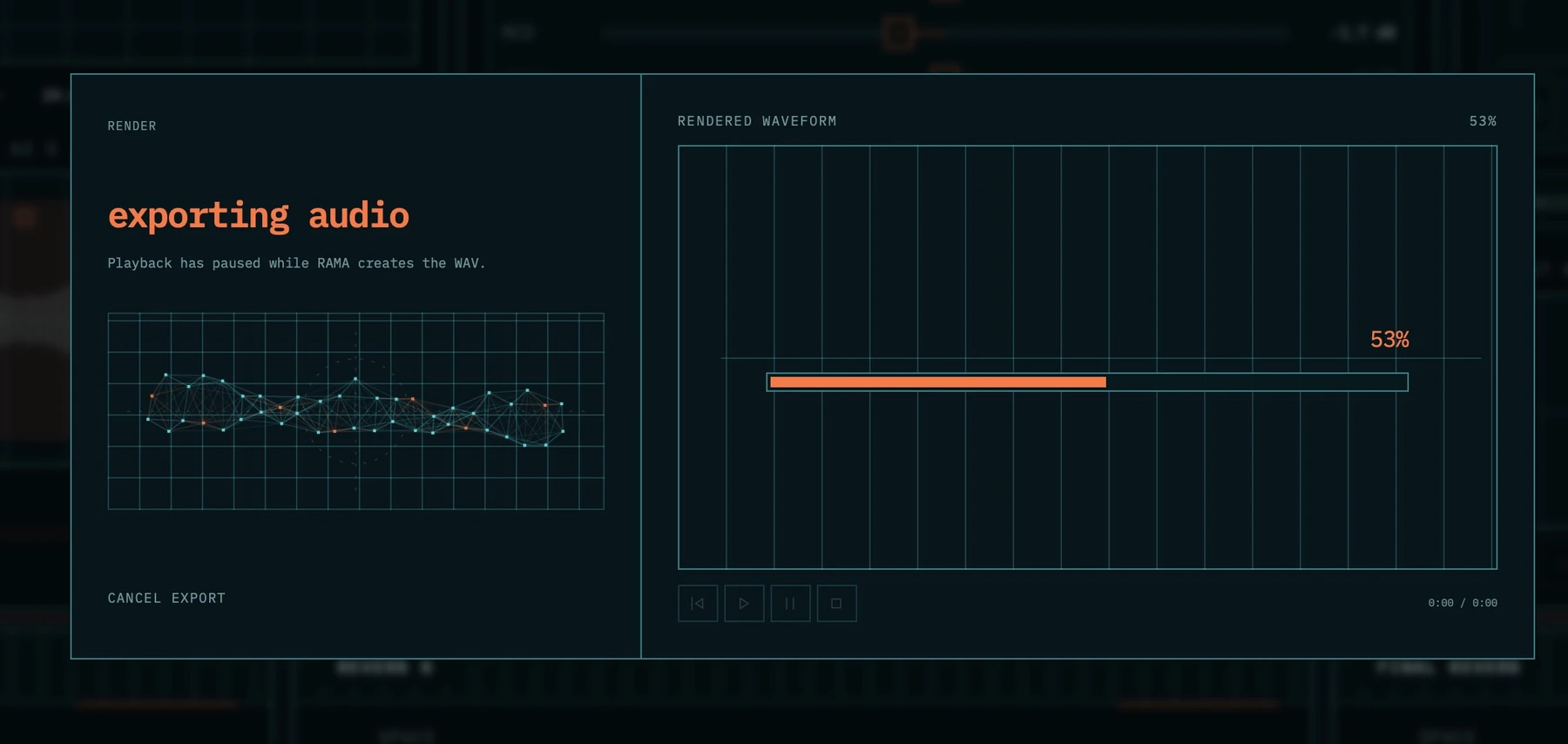
- Choose a length and fades, click export, then reveal the separate WAV in Finder.
Three ways to work
Direct controls
The main controls keep the sound-making process compact: loop, slowdown, final wash, three reverb stages, master EQ, listening Volume, and render settings. Volume changes the live, dry Audition and Latest Render playback without changing the exported WAV.
Advanced shaping
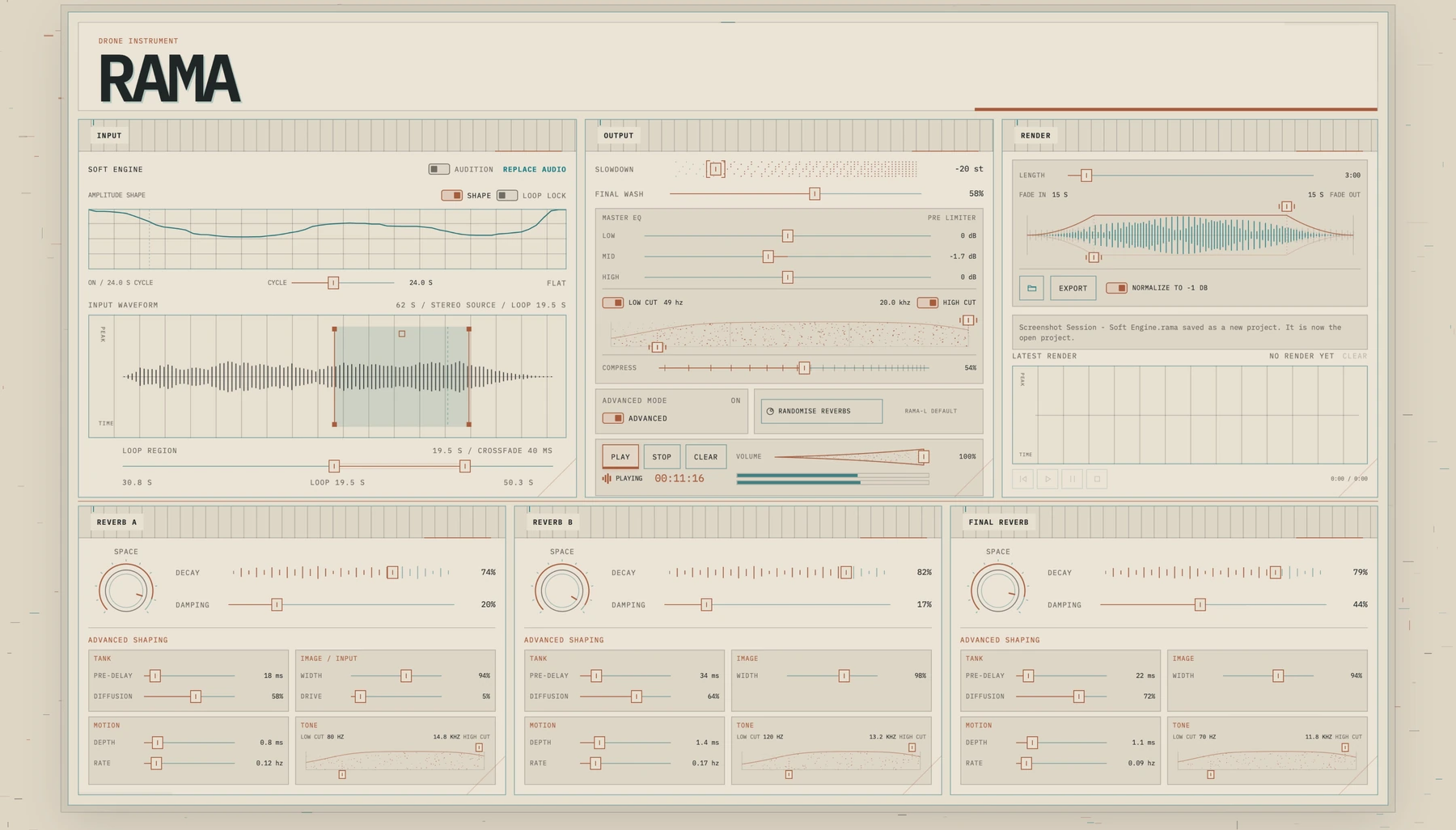
Advanced view opens the deeper reverb controls for pre-delay, diffusion, stereo width, motion, and tone. The audio keeps playing while you adjust it.
Reverb randomisation
In normal mode, Randomise Reverbs changes only the visible Space, Decay and Damping controls. Turn on Advanced first when you want the same button to include every deeper reverb-shaping control. You can keep the result, adjust it by hand, or roll again.
Projects and source references
RAMA includes 46 supplied WAV Bundled Materials. Recent Materials and Recent Projects remember lightweight references to files in their existing locations; RAMA does not keep private copies of user audio. A .rama project stores either an original-file reference or a Bundled Material ID together with its settings, not the recording itself.
The originals remain in their existing folders. RAMA never moves, renames or changes them. If an original moves, RAMA asks you to locate it again. The star control is only for favourite Bundled Materials.
The File menu starts a blank New Project, opens an existing project, saves changes back to the open project, or uses Save Project As… to create an edited copy without replacing the original project.
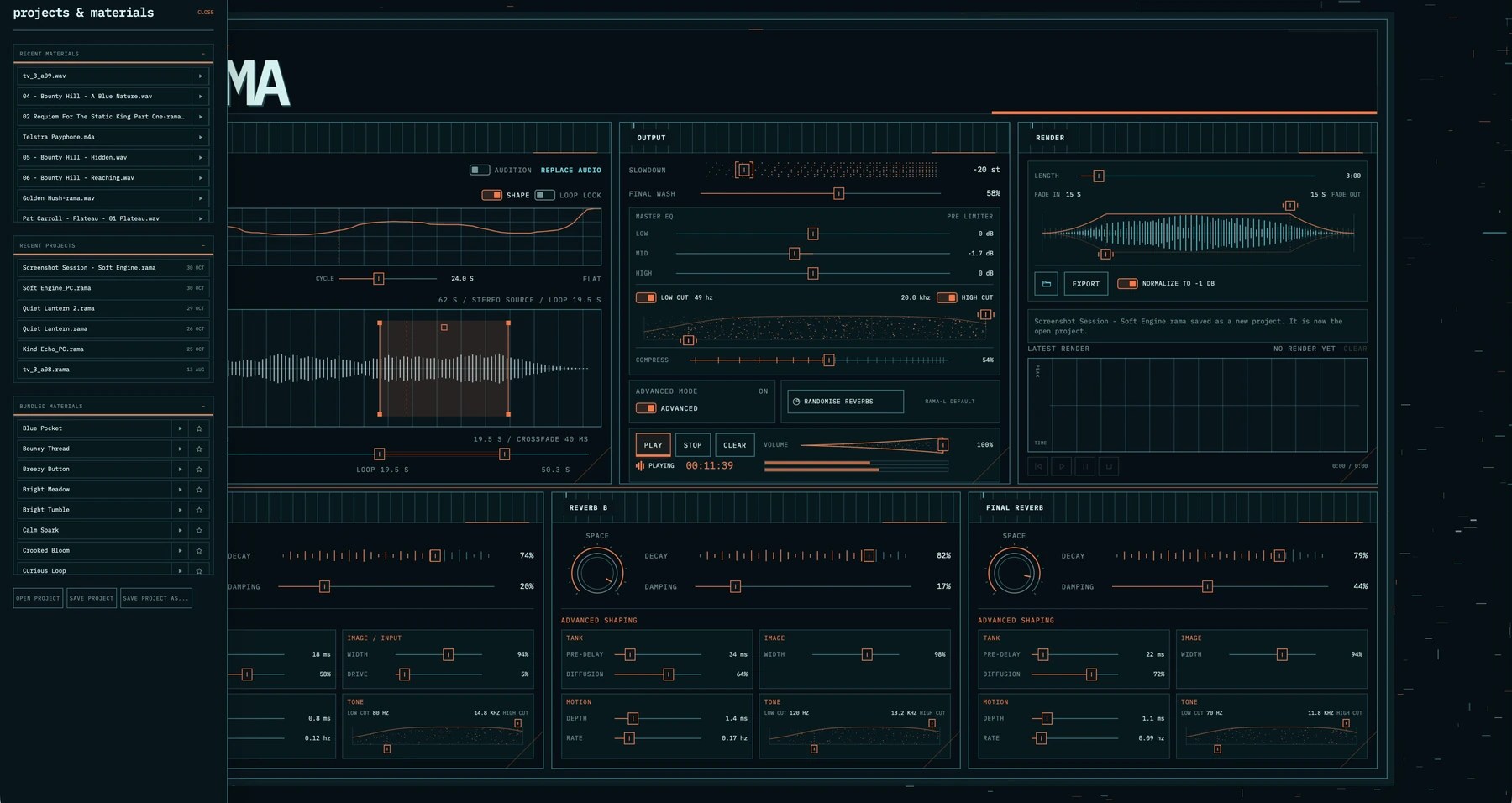
A standalone instrument
RAMA runs on its own without a DAW.
What stays on your computer
Your recordings, projects and WAV exports stay on your computer. Lemon Squeezy handles first activation and deliberate deactivation. After activation, you can play and export offline.
Requirements
Use an Apple Silicon Mac running macOS 13 Ventura or later. Mac installation instructions.
Occupancy Instruments
Occupancy Instruments is Pat’s independent business for making experimental instruments. For help with RAMA, write to info@o-i.au.